2026-06-11
SpotiDost Is Now Free to Use With Unlimited Downloads
SpotiDost now keeps Google sign-in for protection, but removes the membership limits for MP3 downloads and Bulk ZIP access.
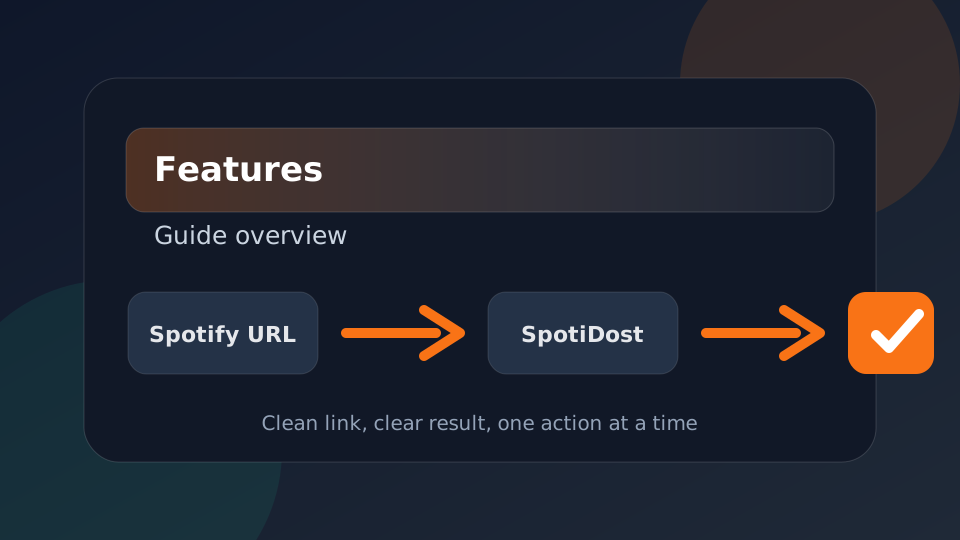
SpotiDost has been updated so signed-in users can use the downloader without membership limits. Individual MP3 downloads, cover downloads, playlist ZIP downloads, album ZIP downloads, and artist ZIP downloads are open again after Google sign-in.
This change is meant to keep the tool simple. Users should not need to calculate daily track counts or choose a plan before testing a playlist. Sign in once, paste a Spotify link, and use the result page.
What changed?
Unlimited individual MP3 downloads
Signed-in users can download single tracks without the old daily free quota.
Bulk ZIP is unlocked
Playlist, album, and artist ZIP options are available to signed-in users without a paid membership check.
Full-speed collection downloads
Bulk ZIP preparation is restored to the faster behavior so collections do not intentionally slow down for free accounts.
Dashboard stays available
The dashboard still shows your Google account status and gives a simple way to return to the downloader.
Why sign-in remains required
The sign-in step is not a payment wall. It is a protection layer. A public downloader can be abused by bots, repeated automated requests, and browser-reset tricks. Google sign-in makes each session accountable enough to protect the service while keeping access free for real users.
After signing in, users do not need extra human verification during normal use. The flow stays straightforward: open a SpotiDost tool page, paste the Spotify link, open the result page, then download the MP3, cover, or ZIP file.
Bulk ZIP is the biggest benefit
Bulk ZIP is useful when a Spotify playlist, album, or artist page contains many tracks. Instead of clicking every row one by one, SpotiDost prepares the available MP3 files into one ZIP package. That saves repeated clicks, repeated waiting, and repeated file-save prompts.
This is especially helpful for playlists and albums where the user already knows they want the full collection. The page still lists tracks clearly, and if a track cannot be included after retries, SpotiDost can finish the ZIP with successful files and show the missing track separately.
How to use SpotiDost now
- Sign in with Google from the SpotiDost page or dashboard.
- Paste a Spotify track, album, playlist, artist, or artwork link.
- Open the result page and review the title, artwork, and track list.
- Use Download MP3 for one track, Download Cover for artwork, or Download All ZIP for collections.
- Keep the tab open while large ZIP files are being prepared.
Why donations matter
Free access still has running costs. Every download request, collection lookup, retry, and ZIP preparation consumes service resources. Donations help keep SpotiDost available without forcing users into paid access right now.
If SpotiDost saves time for you, consider donating. Even small support helps keep the site online, stable, and fast for everyone.
Final note
SpotiDost remains an independent tool and is not affiliated with Spotify AB. Use it responsibly, respect copyright laws, and follow the rules that apply in your country.
The goal of this update is simple: keep the site easier to use, keep downloads protected by sign-in, and keep Bulk ZIP available to everyone who signs in.